Music Downloader, MP3 Download
Music & AudioScreenshots
Analysis by LookedApp · Published · Updated
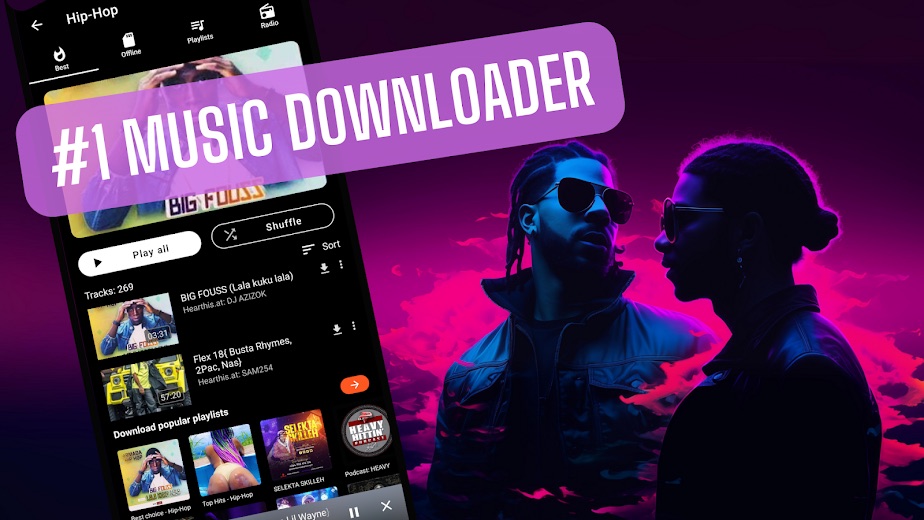
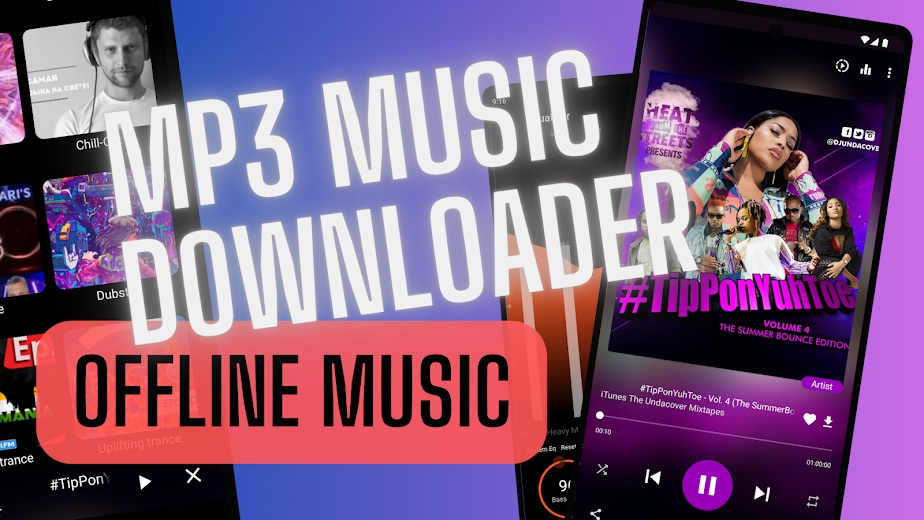
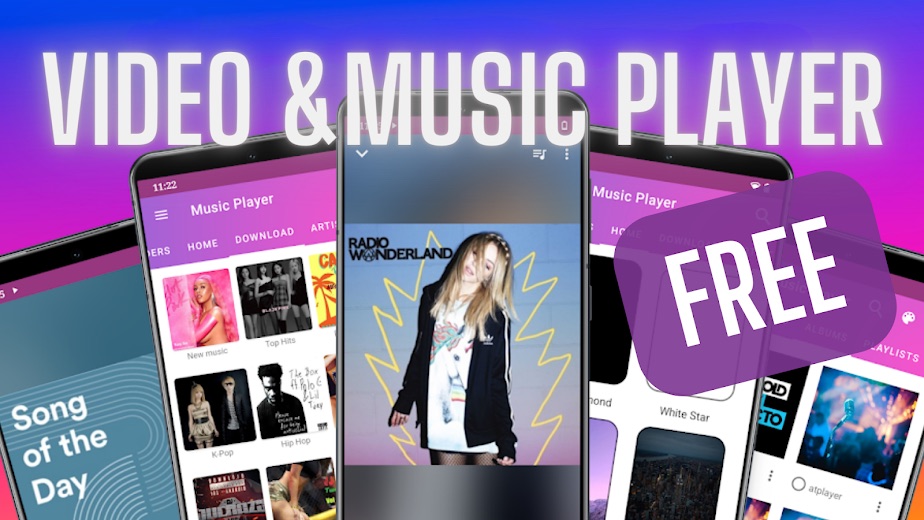
Music Downloader, MP3 Download is a free Android music app that combines song downloads, an offline MP3 player, a video player and FM radio. It is free with ads and an optional premium upgrade, which makes it a fit for listeners who want an offline library on their phone without a monthly plan.
What is Music Downloader, MP3 Download?
Music Downloader, MP3 Download is published on Google Play by Super Music Player Downloader, whose support site is atplayer.com. The app has been on Google Play since June 2021, was updated on November 14, 2026, and has passed 1M+ downloads, with a 3.8 rating from about 4.7K ratings.
It works as two apps in one: a downloader that searches for music and saves it to the phone, and a player for audio and video files that keeps playing offline and in the background. In replies on the listing, the developer says the library offers 300 M+ tracks to stream and 30 M+ songs that can be downloaded at no cost.
The developer also notes that YouTube videos cannot be saved in the app, and points users to a tab called 'Download: Not YouTube' for free songs.
Is this the real Music Downloader, MP3 Download app?
- Established since 2021Listed since Jun 22, 2021, 1,000,000+ installs on Google Play.
| Developer on Google Play | Super Music Player Downloader |
|---|---|
| Android package name | io.freemusic |
| On the stores since | Jun 22, 2021 |
| Installs on Google Play | 1,000,000+ |
| Developer website | atplayer.com |
| Content rating | Google Play: Teen |
These details come from the public store listings. LookedApp doesn't host downloads: install from the Google Play or App Store buttons on this page.
Key features
- Search for songs, playlists, albums, artists, singles and covers, with daily top charts and weekly playlists.
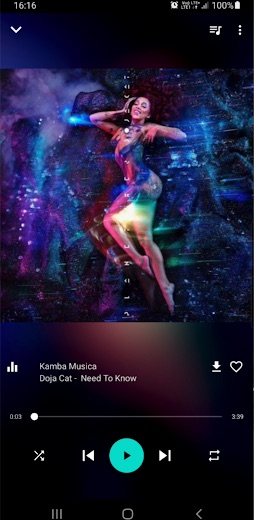
- Offline playback with background play, synced lyrics, an equalizer with presets, bass boost and variable speed.
- A video player for HD and 4K files that handles common formats such as MP4, MKV and AVI.
- Song recognition for music playing nearby, plus a ringtone maker, MP3 cutter and sleep timer.
- FM radio with stations from around the world, along with audiobooks.
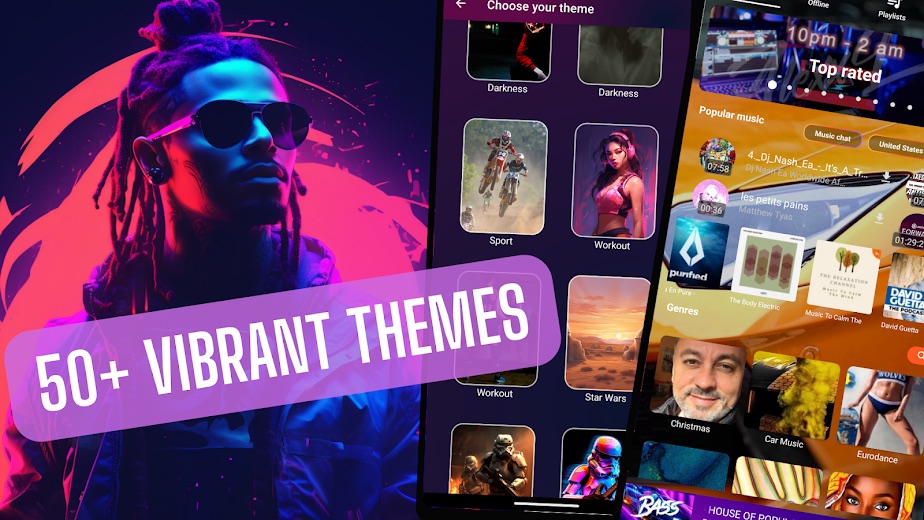
- More than 50 themes to change the look of the player.
More Music & Audio reviews




More news
- What's newGoogle Photos Update: Enhanced Search and Smarter Storage ManagementRecent updates to Google Photos bring a more powerful search experience to users and introduce a new tool to manage storage more efficiently, according to recent store listings.
- What's newWells Fargo Mobile: October 2026 Update Enhances Credit Card InsightsThe Wells Fargo Mobile app has received an update in October 2026, focusing on enhanced accessibility for personalized insights within credit card account details. LookedApp examines what this means for users and provides a refresher on the app's comprehensive banking functionalities.
- What's newWhat's New in Microsoft OneDrive: A Look at Recent UpdatesMicrosoft OneDrive has received significant updates across both iOS and Android platforms, enhancing file management, photo organization, and app stability. These changes reflect an ongoing commitment to providing a comprehensive cloud storage solution for users.



Privacy and permissions
The Google Play listing shows permission groups for Device ID and call information, Microphone, Phone, Photos/Media/Files, Storage and Wi-Fi connection information. Storage and media access fit a downloader; the microphone likely supports song recognition, though the listing does not tie each permission to a feature.
In its data safety section, the developer says the app may share device or other IDs with third parties and may collect app info, performance data and device IDs. Data is encrypted in transit, and users can request deletion.
Super Music Player Downloader publishes its privacy policy at www.atplayer.com.
Music Downloader, MP3 Download permissions in plain English
The Google Play listing shows 6 permission groups. Google Play also lists 12 other permissions, such as “view network connections”. That is about as many as most music & audio apps LookedApp reviews (typical: 6).
- Device ID & call informationCan read your device ID and call status
- MicrophoneCan record audio
- PhoneCan read phone status or make calls
- Photos/Media/FilesCan read and change your photos, media and files
- StorageCan read and change files in shared storage
- Wi-Fi connection informationCan see Wi-Fi connection details
Permission names come from Google Play; the plain-English lines describe what each permission group allows, not how this app uses it.
Music Downloader, MP3 Download at a glance
| Developer | Super Music Player Downloader |
|---|---|
| Category | Music & Audio |
| Rating on Google Play | 3.8 out of 5 (4.7K ratings) |
| Installs on Google Play | 1M+ |
| Price | Free |
| Age rating | Teen |
What changed in the latest Music Downloader, MP3 Download version
Google Play · Listing updated Nov 14, 2026
The release notes say:
“A major performance upgrade for Music Downloader! Startup, playback and lists are optimized, so everything feels quicker and more responsive. Comments got improvements, shorts and the video player are more polished, and your listening recap now opens while the video keeps playing in a small window. Update now and never miss a beat - the music plays on!”
Quoted from the store listings' release notes.
Pricing
The app is free to install. Google Play marks it as containing ads and lists in-app purchases from $0.49 to $29.99 per item.
According to the developer's replies on the listing, free mode has ads, premium is optional, and downloads stay free. Premium mainly removes ads, so listeners who can live with them do not need to pay.
Music Downloader, MP3 Download compared with similar apps
| App | Rating | Installs | Price |
|---|---|---|---|
 Music Downloader, MP3 Download | 3.8 | 1M+ | Free |
 Amtrak | 4.7 | 5M+ | Free |
 Apple Devices | – | – | – |
 Audacity | – | – | – |
Popular reviews
 Easy Metronome reviewEasy Metronome is a digital metronome application designed for musicians of all levels, offering precise tempo control…Music & Audio
 Easy Quran Mp3 Audio Offline reviewThe Easy Quran Mp3 Audio Offline application offers a comprehensive suite of tools for Muslim users, featuring the full…Music & Audio
 Heart Moments reviewHeart Moments is a mobile application developed by Creatunity, designed to help users create personalized audio…Music & Audio
 Mezquite Diatonic Accordion reviewThe Mezquite Diatonic Accordion app provides a comprehensive mobile simulation for learning and practicing the diatonic…Music & Audio
 Podcast Go reviewPodcast Go is a dedicated Android podcast player developed by Sanity Audio Apps. It offers users access to over…Music & Audio
 Radio FM AM Live Radio Station reviewRadio FM AM Live Radio Station is a mobile application developed by AVIRISE LIMITED that provides access to a vast…Music & Audio
How to get Music Downloader, MP3 Download safely
Install the app from its Google Play page and check that the developer reads Super Music Player Downloader. It needs Android 7.0 or later. Copies on APK sites are not reviewed by Google Play and are not needed, since the store version is free.
After installing, review the permissions in Android settings and switch off any that are not needed, such as phone access. The developer can be reached through atplayer.com.
How to install Music Downloader, MP3 Download
On Android (Google Play)
- Open the Google Play Store app on your Android phone or tablet.
- Search for Music Downloader, MP3 Download, or use the Google Play button on this page to open the listing directly.
- Check that the developer under the app name is Super Music Player Downloader.
- Check that your device meets the listing's requirement: Android 7.0 and up.
- Tap Install (or the price, for a paid app) and wait for the download to finish, then open the app from your home screen.
- The listing shows in-app purchases, so review any purchase prompts before you confirm.
Music Downloader, MP3 Download version and app details
| Google Play | |
|---|---|
| Last updated | Nov 14, 2026 |
| First released | Jun 22, 2021 |
| Package name | io.freemusic |
| Requires | Android 7.0 and up |
| Content rating | Teen (Language) |
| In-app purchases | Yes ($0.49 - $29.99 per item) |
| Contains ads | Yes |
| Developer | Super Music Player Downloader |
Who Music Downloader, MP3 Download is for
The app suits Android users who want a single place to find songs, keep them offline and play local music and video files. Extras like FM radio, the ringtone maker and song recognition add value for people who like to tinker with their music.
Anyone who dislikes ads should plan on the premium upgrade. YouTube videos cannot be saved, so it is not a YouTube downloader.
Pros
- Free downloads and offline playback
- Full-featured player with lyrics, equalizer and background play
- Extras: FM radio, ringtone maker, song recognition and themes
- Plays HD and 4K video files too
Cons
- Ads in the free version
- In-app purchases up to $29.99 per item
- Broad permission list, including phone and microphone
- Mixed 3.8 rating on Google Play
Music Downloader, MP3 Download: frequently asked questions
Is Music Downloader, MP3 Download free?
Yes. It is free to install and the developer says downloads stay free. Ads appear in free mode, and an optional premium upgrade is sold in the app.
Can songs be played offline?
Yes. Downloaded songs play offline, and playback continues in the background.
Can it download from YouTube?
No. The developer says YouTube videos cannot be saved and points users to a non-YouTube download tab.
Which Android version is needed?
Android 7.0 or later.
Who makes the app?
Super Music Player Downloader, which lists atplayer.com as its website.
Is there a PC version?
No. The app is listed on Google Play for Android only.
Music Downloader, MP3 Download
- Category
- Music & Audio
- Version
- Varies with device
Download
Looking for the Music Downloader, MP3 Download website or sign-in? Go to atplayer.com →The developer's website, as given on the store listing.
Music Downloader, MP3 Download ratings breakdown
Google Play 3.8 average from 4,696 ratings
- 563%
- 44%
- 37%
- 22%
- 124%
Share of ratings for each star level, as shown on the listings, as of Nov 19, 2026.