Audacity
Tools & UtilitiesScreenshots
Analysis by LookedApp · Published · Updated
Audacity is a free, open-source audio editor for Windows, macOS and Linux, used for recording voice, cleaning up podcasts and cutting music. Version 4 brought a rebuilt interface in September 2026, and the current release is 4.0.2.
What is Audacity?
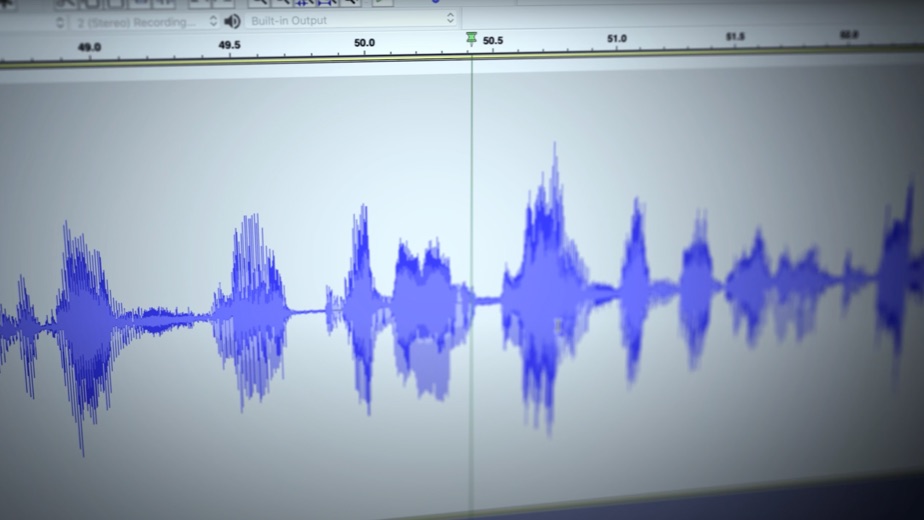
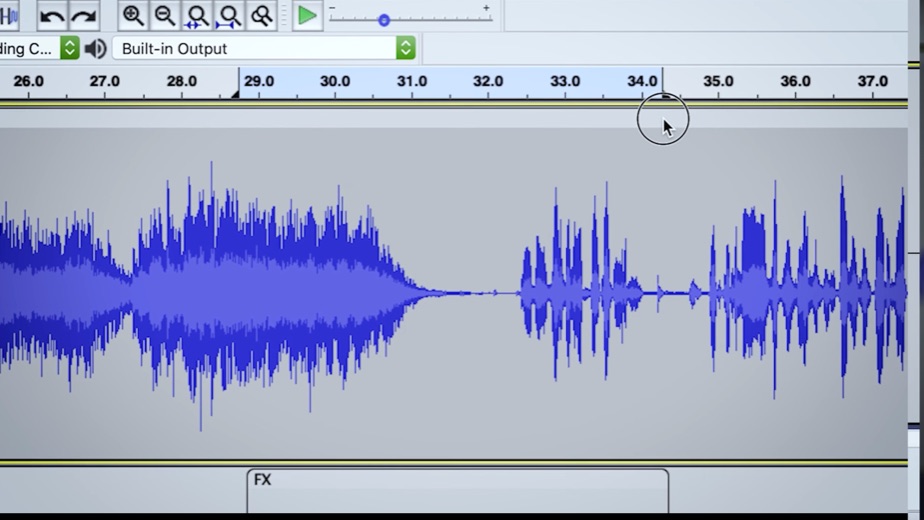
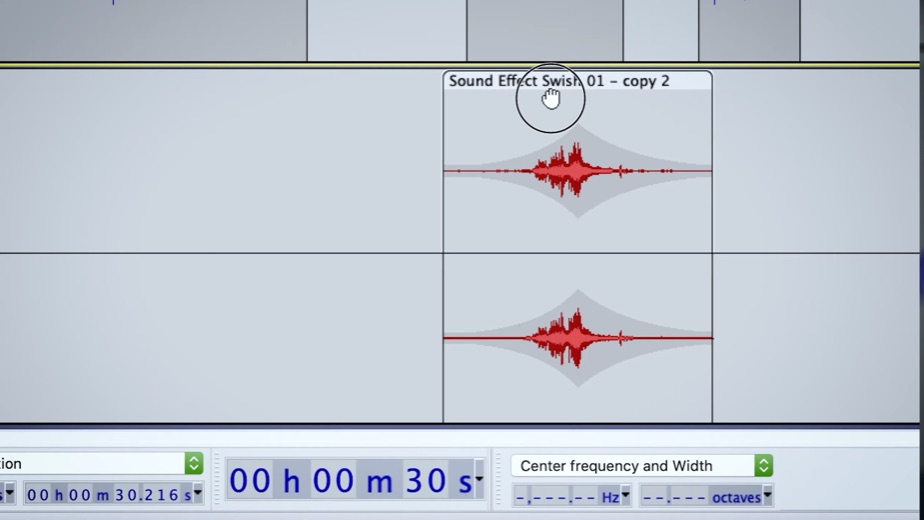
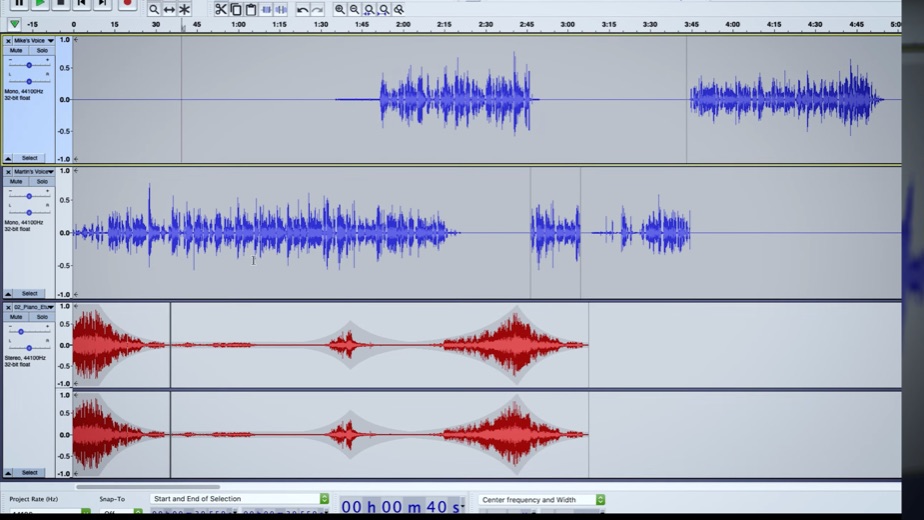
Audacity records and edits sound on a computer. It handles multi-track projects, applies effects such as compression, EQ and reverb, and exports to common formats including MP3, WAV and FLAC. It has been around since May 28, 2000, when Dominic Mazzoni and Roger Dannenberg released the first version out of Carnegie Mellon University.
Muse Group has owned the project since 2021 and develops it with community contributors; the download page credits both. The software stays under the GNU General Public License, and the team says it is free for everyone.
Audacity is desktop software only. Its FAQ says the team makes no phone or web version, and any Audacity app on iOS or Android comes from someone else.
Key features
- Recording and editing on multiple tracks, with import and export for MP3, M4A, AIFF, FLAC and WAV.
- A new Qt-based interface in Audacity 4, with themes and clip colors.
- Four workspace layouts: Classic, Music, Modern and Custom.
- Redesigned effects windows, including Compressor, Filter Curve, Graphic EQ, Limiter and Reverb.
- Plugin support for LV2, VST3 and Audio Units.
- Optional cloud saving and sharing through audio.com.
More Tools & Utilities reviews




More news
- What's newGoogle Photos Update: Enhanced Search and Smarter Storage ManagementRecent updates to Google Photos bring a more powerful search experience to users and introduce a new tool to manage storage more efficiently, according to recent store listings.
- What's newWells Fargo Mobile: October 2026 Update Enhances Credit Card InsightsThe Wells Fargo Mobile app has received an update in October 2026, focusing on enhanced accessibility for personalized insights within credit card account details. LookedApp examines what this means for users and provides a refresher on the app's comprehensive banking functionalities.
- What's newWhat's New in Microsoft OneDrive: A Look at Recent UpdatesMicrosoft OneDrive has received significant updates across both iOS and Android platforms, enhancing file management, photo organization, and app stability. These changes reflect an ongoing commitment to providing a comprehensive cloud storage solution for users.



PC requirements
Windows users get installers for both x86_64 and ARM64 PCs. The FAQ lists Windows 10 and 11 as tested, and the Microsoft Store version asks for Windows 10 or later on a 64-bit PC. Mac users can pick a Universal build or separate Apple Silicon and Intel builds; the FAQ names macOS 12 and 13 as tested. Linux builds come as AppImages for x86_64 and ARM64, with Ubuntu 22.04 on the tested list.
Projects saved in Audacity 3 as .aup3 files open directly in Audacity 4, so upgrading does not strand older work.
Audacity at a glance
| Developer | Muse Group & Audacity contributors |
|---|---|
| Category | Tools & Utilities |
Pricing
There is nothing to pay. Audacity is free and open source, the Microsoft Store lists it at no cost, and no paid edition exists. Cloud saving goes through audio.com, a separate service; Audacity's own pages do not list its plans.
Audacity compared with similar apps
| App | Rating | Installs | Price |
|---|---|---|---|
 Audacity | – | – | – |
 Amtrak | 4.7 | 5M+ | Free |
 Apple Devices | – | – | – |
 Creality Cloud | 4.3 | 5M+ | Free |
Popular reviews
 Tolls NY (E-ZPass NY) reviewTolls NY (E-ZPass NY) is a mobile application designed for E-ZPass NY and Tolls by Mail customers to manage their…Tools & Utilities
 Wells Fargo Mobile reviewThe Wells Fargo Mobile app offers a comprehensive suite of banking and financial management tools for customers with…Tools & Utilities
 MyHumana reviewMyHumana is Humana's member app for coverage details, claims, drug prices and ID cards. It only works with an active…Tools & Utilities
- Baby Buddy for Android reviewBaby Buddy for Android is a companion application designed for caregivers to track a baby's activities, including…Tools & Utilities
 MyChart reviewMyChart is an application designed to provide users with direct access to their personal health information and…Tools & Utilities
 Kaiser Permanente reviewThe Kaiser Permanente app reaches past insurance into day-to-day care: members message their doctor's office, book…Tools & Utilities
How to get Audacity safely
The safest source is the download page at audacityteam.org, which carries the current 4.0.2 builds. The Microsoft Store entry from MuseGroup is a valid alternative, though it can trail the website by a release. Download portals often wrap free programs in their own installers, so copies from anywhere else are best skipped.
Because the team makes no mobile version, any phone app using the Audacity name is unrelated. According to the FAQ, the desktop program collects only error reports and what it needs for update checks, and does not store personal information.
Who Audacity is for
Podcasters, students recording assignments, musicians sketching ideas and anyone digitizing old tapes all fit here. Because it costs nothing, it is also an easy place to start for people learning audio editing.
People who want to compose with virtual instruments may need a different kind of program; the Audacity pages describe an editor for recorded sound, not a full music production suite.
Pros
- Free and open source, with no paid upgrade.
- Runs on Windows, macOS and Linux, including ARM64 hardware.
- Version 4 modernizes the interface while still opening .aup3 projects.
- Wide format and plugin support.
- Long history: first released in 2000.
Cons
- No phone or browser version.
- The Microsoft Store build can trail the newest release on the website.
- The FAQ's tested Mac list stops at macOS 12 and 13.
- Version 4 is new, so longtime users face a changed layout.
Audacity: frequently asked questions
Is Audacity free?
Yes. The team says Audacity is free for everyone, and it is released under the GNU General Public License.
Does Audacity work on Windows 10 and 11?
Yes. The FAQ lists both as tested, and installers exist for x86_64 and ARM64 PCs.
Is there an Audacity app for iPhone or Android?
No. The FAQ says the team makes no mobile version and that Audacity apps on phones are not made by the team.
What changed in Audacity 4?
A rebuilt Qt interface, workspaces, redesigned effects, VST3 and Audio Units support and audio.com cloud saving. Version 4.0.0 arrived on September 3, 2026, and 4.0.2 followed on November 2, 2026.
Can Audacity export MP3?
Yes. It imports and exports MP3, along with M4A, AIFF, FLAC and WAV.
Who makes Audacity?
Muse Group and the Audacity contributors. Muse Group took over the project in 2021.
Audacity
- Category
- Tools & Utilities
- Version