The Sims FreePlay
GamesScreenshots


Analysis by LookedApp · Published · Updated
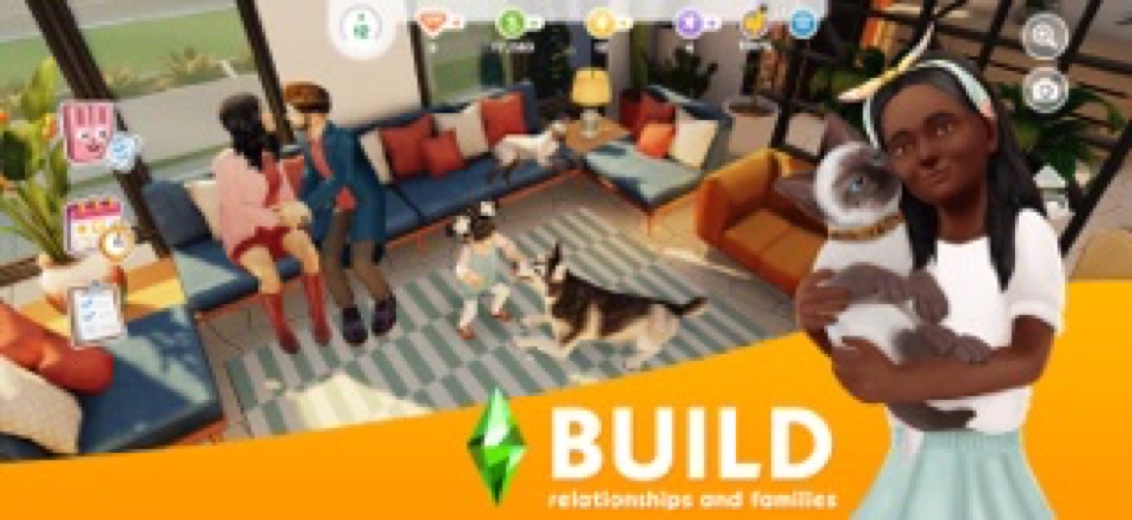
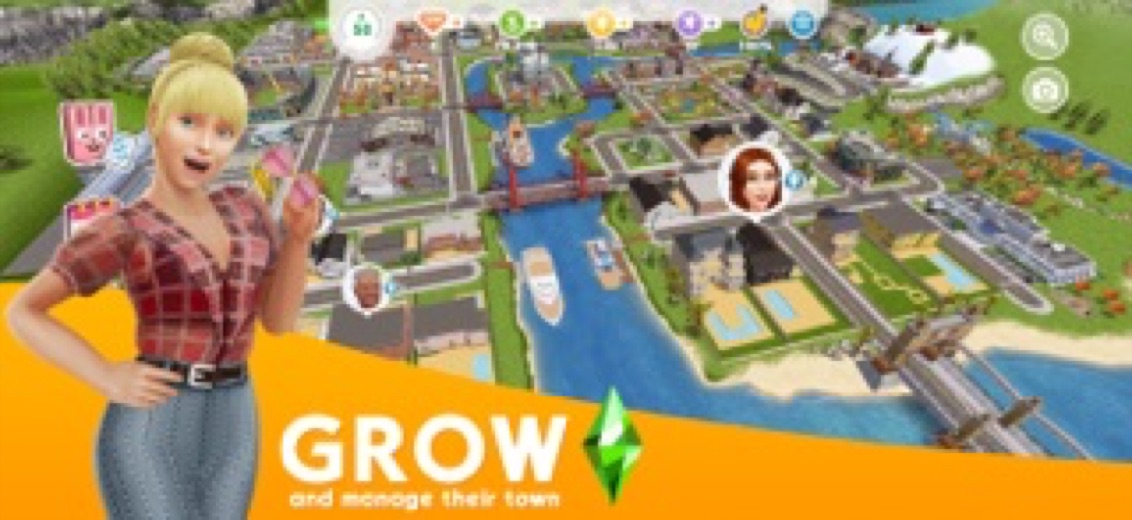
The Sims FreePlay is Electronic Arts' free life-simulation game for phones and tablets, and it is the EA mobile Sims game that people searching for TSM are now pointed to. Players create Sims, build homes and grow a whole town, with optional purchases and ads along the way, which suits anyone who wants a long-running Sims game on the go.
What is The Sims FreePlay?
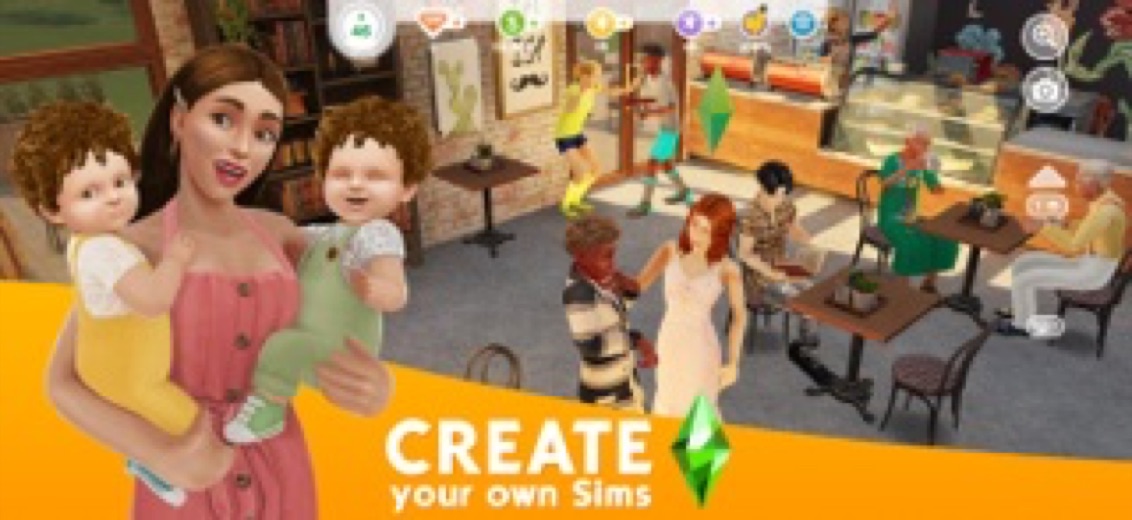
The Sims FreePlay is a mobile entry in The Sims series from Electronic Arts. Players design Sims, guide them through relationships, careers and hobbies, and expand a shared town called SimTown with new homes, shops and other places to visit. The App Store lists its first release in 2011, and the game is still updated on both the App Store and Google Play.
Many people still search for TSM, the short name of The Sims Mobile. EA removed that game from the stores on October 21, 2025 and closed its servers on January 20, 2026, and app directories now send TSM searchers to The Sims FreePlay instead. The two are separate games, so progress does not carry over.
Is this the real The Sims FreePlay app?
- Verified publisher infoSame developer on Google Play and the App Store (ELECTRONIC ARTS), and the developer website ea.com matches the publisher.
- Established since 2011Listed since Dec 15, 2011, 100,000,000+ installs on Google Play.
| Developer on Google Play | ELECTRONIC ARTS |
|---|---|
| Developer on the App Store | Electronic Arts |
| Same developer on both stores | Yes |
| Android package name | com.ea.games.simsfreeplay_row |
| iOS bundle ID | com.ea.sims3deluxe.ipad.inc |
| On the stores since | Dec 15, 2011 |
| Installs on Google Play | 100,000,000+ |
| Developer website | ea.com |
| Content rating | Google Play: Teen / App Store: 12+ |
These details come from the public store listings. LookedApp doesn't host downloads: install from the Google Play or App Store buttons on this page.
Key features
- Create and style up to 34 Sims, from their looks to the homes they live in.
- Build and decorate houses with several floors, pools and detailed furniture, then grow SimTown with a pet store, car dealership, mall and beach villa.
- Follow Sims through life stages from babies to seniors, with dating, marriage, families, pets and friendships.
- Send Sims to careers such as the Police Station, Movie Studio and Hospital, where they build skills and earn more.
- Pick hobbies like cooking, fashion design, salsa dancing and puppy training to keep Sims happy.
- Visit friends' towns, meet their Sims and compare home designs.
More Games & Learning reviews


More news
- What's newSpoke (Circuit) Route Planner Update Brings Bulk Editing and Enhanced UsabilityLookedApp's news desk reports on the latest updates to Spoke (Circuit) Route Planner, introducing significant new features like bulk editing for stops and a refreshed user interface, designed to further streamline delivery operations for professionals.
- GuideHow to Download Genuine Apps Safely from Google Play and the App StoreDiscover how to identify authentic applications and avoid potentially harmful copies by scrutinizing developer names, store listings, and app permissions. This guide helps users make informed decisions when acquiring new software.
- What's newWhat's New in Yahoo Mail: An Update Overview for Enhanced OrganizationYahoo Mail has rolled out updates across its mobile applications, bringing a refined user experience, AI-powered capabilities, and specific enhancements to its Planner feature, aiming to streamline email management and daily tasks for users.




Privacy and permissions
On Android, the Google Play listing shows a short permission list: Photos/Media/Files, Storage and Wi-Fi connection information. The game needs a network connection to play, so it stays online while running.
EA links its privacy and cookie policy from the store listings, along with a "Do Not Sell My Personal Information" page for US players. Those pages explain how account and play data are used.
Electronic Arts publishes its privacy policy at privacy.ea.com.
The Sims FreePlay permissions in plain English
The Google Play listing shows 3 permission groups. Google Play also lists 7 other permissions, such as “view network connections”. That is more than most games & learning apps LookedApp reviews (typical: 1).
- Photos/Media/FilesCan read and change your photos, media and files
- StorageCan read and change files in shared storage
- Wi-Fi connection informationCan see Wi-Fi connection details
The App Store privacy label lists these data types:
- Used to track you: Purchases, Identifiers, Usage Data, Diagnostics, Other Data
- Linked to you: Purchases, Identifiers, Usage Data, Diagnostics, Other Data
Permission names come from Google Play; the plain-English lines describe what each permission group allows, not how this app uses it.
The Sims FreePlay at a glance
| Developer | Electronic Arts |
|---|---|
| Category | Games |
| Rating on App Store | 4.6 out of 5 (466K ratings) |
| Rating on Google Play | 4.7 out of 5 (5.8M ratings) |
| Installs on Google Play | 100M+ |
| Price | Free |
| Age rating | 12+ |
What changed in the latest The Sims FreePlay version
App Store and Google Play · Version 118.1.284528, released Oct 21, 2026; Google Play listing updated Oct 20, 2026
The release notes say:
“Sul Sul! Courting Crimson brings the final chapter of Between the Lines to SimTown with a little spooky-season mischief. Step into a world of gothic glamour, moonlit gardens, magical hideaways, and wonderfully weird experiments. NEW! Season Pass: Unlock spooky rewards and the magnificent Crimson Lodge Explore mysterious libraries, work a little magic, and see what strange things are taking root...”
Quoted from the store listings' release notes.
Pricing
The Sims FreePlay is free to install and play. Players can buy virtual currency with real money for extra items, and the listing notes that some purchases include a random selection of items. In-app purchases can be switched off in the device settings, which is worth doing on a phone that children use.
Ads also appear in the game. Simoleons, the in-game money, are earned by completing goals, so progress is possible without paying, only slower.
The Sims FreePlay compared with similar apps
| App | Rating | Installs | Price |
|---|---|---|---|
 The Sims FreePlay | 4.7 | 100M+ | Free |
 Chess.com | 4.7 | 100M+ | Free |
 Delta Executor | 2.5 | 500K+ | Free |
 Mahjong 4 Friends | 4.9 | 100K+ | Free |
Popular reviews
 Scratch reviewScratch is a block-based programming environment available through a web browser and as a downloadable computer…Games & Learning
 Memrise reviewMemrise is a language learning application designed for individuals with diverse learning objectives, ranging from exam…Games & Learning
 ABCya! Games reviewABCya! Games is an educational application designed for children from pre-kindergarten through sixth grade and beyond,…Games & Learning
 Among Us reviewAmong Us is a social deduction game where players work together to prepare a spaceship for departure while identifying…Games & Learning
 Solitaire.com reviewSolitaire.com, developed by Tripledot Studios Limited, offers a classic Solitaire card game experience for mobile…Games & Learning
 Canvas Student reviewCanvas Student is an education application developed by Instructure, designed to help learners manage their academic…Games & Learning
How to get The Sims FreePlay safely
To install on Android, open Google Play, search for The Sims FreePlay, check that the developer is Electronic Arts, and tap Install. On iPhone or iPad, the App Store version needs iOS 15.0 or later.
Stick to those store listings and skip modified copies on APK sites, which can carry unwanted software and do not get EA updates. To remove the game later, uninstall it from the Apps section of Android settings, or press and hold the icon on iPhone and choose Remove App.
How to install The Sims FreePlay
On Android (Google Play)
- Open the Google Play Store app on your Android phone or tablet.
- Search for The Sims FreePlay, or use the Google Play button on this page to open the listing directly.
- Check that the developer under the app name is ELECTRONIC ARTS.
- Check that your device meets the listing's requirement: Android 7.0 and up.
- Tap Install (or the price, for a paid app) and wait for the download to finish, then open the app from your home screen.
- The listing shows in-app purchases, so review any purchase prompts before you confirm.
On iPhone and iPad (App Store)
- Open the App Store on your iPhone or iPad.
- Search for The Sims FreePlay, or use the App Store button on this page to open the listing directly.
- Check that the developer under the app name is Electronic Arts.
- Make sure your device has iOS 15.0 or later and about 2544 MB of free space, as the listing states.
- Tap Get (or the price), confirm the download, then open the app from your home screen.
- The listing shows in-app purchases, so review any purchase prompts before you confirm.
The Sims FreePlay version and app details
| Google Play | App Store | |
|---|---|---|
| Latest version | – | 118.1.284528 |
| Last updated | Oct 20, 2026 | Oct 21, 2026 |
| First released | – | Dec 15, 2011 |
| Package name | com.ea.games.simsfreeplay_row | – |
| Bundle ID | – | com.ea.sims3deluxe.ipad.inc |
| Requires | Android 7.0 and up | iOS 15.0 or later |
| Download size | – | 2544 MB |
| Content rating | Teen (Fantasy Violence, Sexual Content, Partial Nudity, Crude Humor; Users Interact, In-Game Purchases (Includes Random Items)) | 12+ (Infrequent/Mild Alcohol, Tobacco, or Drug Use or References; Loot Boxes; Infrequent/Mild Horror/Fear Themes; Infrequent/Mild Cartoon or Fantasy Violence; Infrequent/Mild Profanity or Crude Humor; Infrequent/Mild Mature/Suggestive Themes; Infrequent/Mild Sexual Content and Nudity) |
| In-app purchases | Yes ($0.99 - $99.99 per item) | Yes |
| Contains ads | Yes | – |
| Languages | – | 11 (including English) |
| Developer | ELECTRONIC ARTS | Electronic Arts |
Who The Sims FreePlay is for
The game fits fans of The Sims who want to keep building homes and families on a phone, including former TSM players looking for a replacement. It rewards regular short sessions, since Sims work, learn skills and grow the town over time.
Ratings are Teen on Google Play and 12+ on the App Store. Parents of younger players may want to turn off in-app purchases before handing over a device.
The Sims FreePlay for kids and families
- Age rating: Google Play rates it Teen (Fantasy Violence, Sexual Content, Partial Nudity, Crude Humor; Users Interact, In-Game Purchases (Includes Random Items)); the App Store rates it 12+ (Infrequent/Mild Alcohol, Tobacco, or Drug Use or References; Loot Boxes; Infrequent/Mild Horror/Fear Themes; Infrequent/Mild Cartoon or Fantasy Violence; Infrequent/Mild Profanity or Crude Humor; Infrequent/Mild Mature/Suggestive Themes; Infrequent/Mild Sexual Content and Nudity).
- In-app purchases: Google Play: yes ($0.99 - $99.99 per item); App Store: yes.
- Ads: the Google Play listing says the app contains ads.
- Data safety (Google Play): The developer says the app may share these data types with third parties: Location and Device or other IDs and may collect Location, Personal info and 4 others. Data is encrypted in transit. You can request that data be deleted.
Store age ratings describe content, not whether an app suits a particular child.
Pros
- Free to play, with a large amount of building and story content
- Deep customization of Sims, homes and SimTown
- Rated 4.7 on Google Play and 4.6 on the App Store
- Still updated by EA on both stores
Cons
- Ads and optional purchases, including random item packs
- Needs a network connection to play
- Progress from The Sims Mobile does not transfer
The Sims FreePlay: frequently asked questions
What happened to TSM (The Sims Mobile)?
EA removed The Sims Mobile from the app stores on October 21, 2025 and shut its servers down on January 20, 2026. App directories now point TSM searchers to The Sims FreePlay.
Is The Sims FreePlay free?
Yes. It is free to install and play, with ads and optional purchases of virtual currency.
Which devices can run The Sims FreePlay?
Android phones and tablets through Google Play, and iPhone and iPad with iOS 15.0 or later through the App Store.
Who makes The Sims FreePlay?
Electronic Arts, the publisher of The Sims series, lists it on both stores.
Does The Sims FreePlay work offline?
No. The Google Play listing says a network connection is required to play.
Is this a Sims sign-in page?
No. This is an independent review. Accounts are handled inside the game.
The Sims FreePlay
- Category
- Games
- Version
- 118.1.284528
Download
Looking for the The Sims FreePlay website or sign-in? Go to ea.com →The developer's website, as given on the store listing.
The Sims FreePlay ratings breakdown
Google Play 4.7 average from 5,752,084 ratings
- 582%
- 49%
- 36%
- 20%
- 13%
App Store 4.6 average from 466,466 ratings
- 579%
- 410%
- 35%
- 22%
- 14%
Share of ratings for each star level, as shown on the listings, as of Oct 24, 2026.