
Custom Cursor
Tools & UtilitiesScreenshots

Analysis by LookedApp · Published · Updated
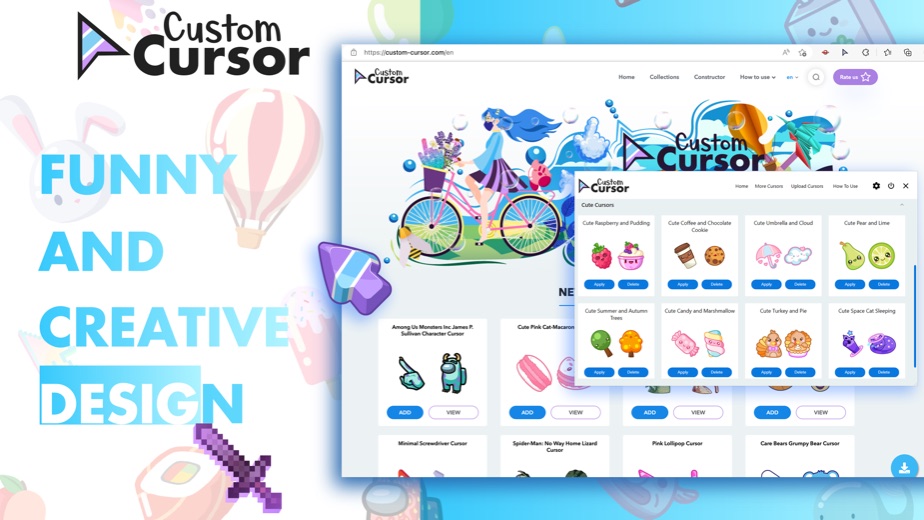
Custom Cursor swaps the standard Windows arrow for themed and cute pointers. The Windows app and its Chrome extension are both free from BLife Team, and the main choice is whether the new pointer should apply to the whole desktop or only inside the browser.
What is Custom Cursor?
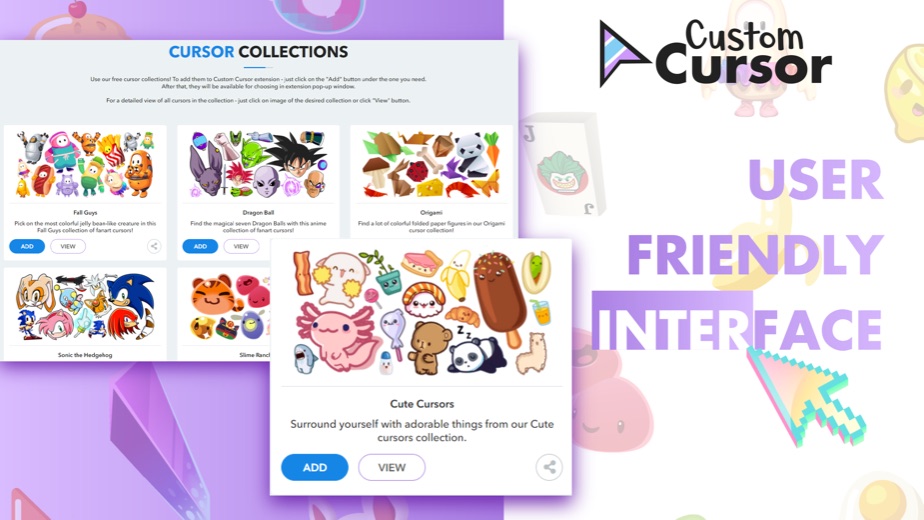
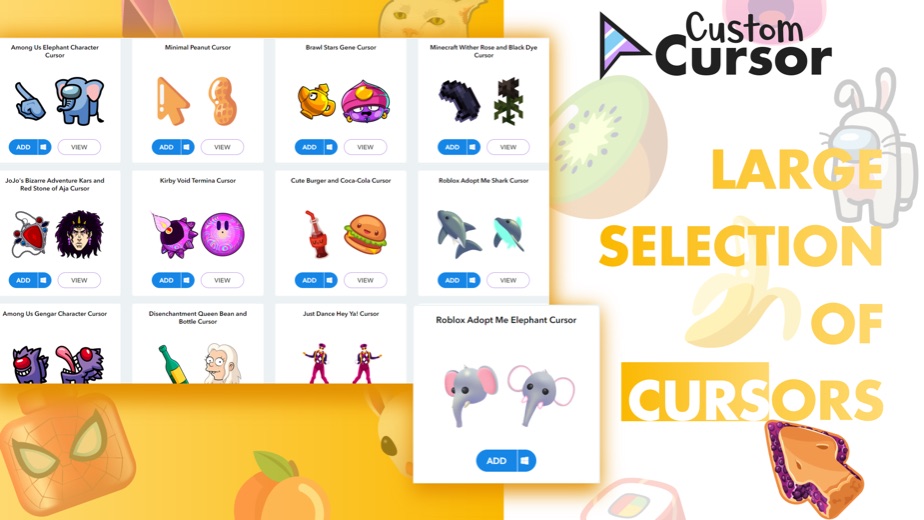
Custom Cursor is a cursor library and the small programs that apply it. BLife Team LLC runs custom-cursor.com, which advertises more than 12,000 cursors, and publishes a Windows app, a Chrome extension, an Edge add-on and a Firefox add-on to put them on screen.
People searching for Custom Cursor for PC usually want the Windows app. It applies the chosen pack to the Windows desktop pointer, and it is listed on the Microsoft Store in the Entertainment category. The browser extensions are the better-known product: the Chrome Web Store shows 6,000,000 users for the Chrome version.
Key features
- A preview list of cursor packs: pick one and press Apply to switch the Windows pointer.
- A size setting for making the cursor larger or smaller.
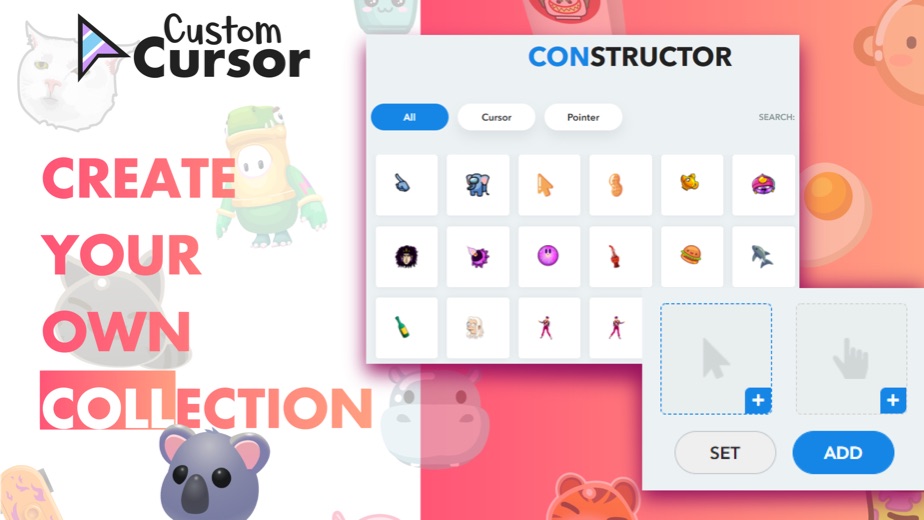
- Extra packs can be added from custom-cursor.com, which the Microsoft Store listing says has over 7800 packs in its cute category.
- A Chrome extension at version 4.1.4, updated on November 17, 2026, with an interface in 54 languages.
- Versions for Edge and Firefox as well as Chrome.
More Tools & Utilities reviews




More news
- What's newWhat's New in Among Us: The Latest Update and Ghost Crewmate RoleThe social deduction game Among Us has received a new update, introducing a Ghost Crewmate role and seasonal decorations, adding to its gameplay and customization options.
- What's newWhat's New in EA SPORTS FC Soccer Mobile 26: The Latest Season UpdateElectronic Arts has rolled out significant updates for EA SPORTS FC Soccer Mobile 26, introducing new tactical depth, game modes, and enhanced visuals. These changes aim to refresh the mobile soccer experience for players.
- GuideIn-App Purchases and Subscriptions: Reading the Price LineUnderstanding the different pricing models for mobile applications, from no initial cost to up-front purchases, helps users navigate the digital marketplace effectively. This guide explains how to interpret price lines and pricing sections on app store listings.








Platforms and editions
The Windows app needs Windows 10 or later and is listed at version 1.0.25. The Microsoft Store entry shows a last update of February 27, 2023, so the developer's site is the place to get the current installer.
The Chrome extension is small at 549KiB and was updated on November 17, 2026. It holds a 4.5 rating from 65.3K ratings on the Chrome Web Store. Matching add-ons exist for Edge and Firefox. There is no Mac desktop app on the developer site and no phone app; on a Mac, only the browser extensions apply.
Custom Cursor at a glance
| Developer | Blife Team LLC |
|---|---|
| Category | Tools & Utilities |
Pricing
The Windows app is listed as free on both the developer site and the Microsoft Store, and the Chrome extension is free to add. Neither the developer's product page nor the store listings mention paid plans, and the Chrome Web Store description calls the extension completely free with no account.
Custom Cursor compared with similar apps
| App | Rating | Installs | Price |
|---|---|---|---|
 Custom Cursor | – | – | – |
 Amtrak | 4.7 | 5M+ | Free |
 Apple Devices | – | – | – |
 Audacity | – | – | – |
Popular reviews
 Tolls NY (E-ZPass NY) reviewTolls NY (E-ZPass NY) is a mobile application designed for E-ZPass NY and Tolls by Mail customers to manage their…Tools & Utilities
 Wells Fargo Mobile reviewThe Wells Fargo Mobile app offers a comprehensive suite of banking and financial management tools for customers with…Tools & Utilities
 MyHumana reviewMyHumana is Humana's member app for coverage details, claims, drug prices and ID cards. It only works with an active…Tools & Utilities
- Baby Buddy for Android reviewBaby Buddy for Android is a companion application designed for caregivers to track a baby's activities, including…Tools & Utilities
 MyChart reviewMyChart is an application designed to provide users with direct access to their personal health information and…Tools & Utilities
 Kaiser Permanente reviewThe Kaiser Permanente app reaches past insurance into day-to-day care: members message their doctor's office, book…Tools & Utilities
How to get Custom Cursor safely
Install the Windows app from the developer's product page or from the Microsoft Store entry published by Blife Team LLC, and add the browser version from the Chrome Web Store, Edge Add-ons or Firefox Add-ons. Cursor files and installers from unknown sites are a common source of adware, so avoid them.
Watch for copycats in particular: many sites reuse the Custom Cursor name, and only BLife Team LLC publishes the app reviewed here. The developer's privacy policy is at custom-cursor.com/privacy. Before adding any browser extension, read the permissions the browser shows during installation and remove extensions that are no longer used.
Who Custom Cursor is for
It is mostly a personalization tool. Students, gamers and anyone tired of the plain white arrow will get the most from it. The size setting may also help people who find the standard pointer hard to track.
Office and school PCs managed by an administrator may block new software, so the browser extension can be the easier option there. People who spend most of their time in a browser may also prefer it. Chrome does not let any extension change the pointer on its Web Store pages or certain built-in pages, so the extension cannot cover everything on screen.
Pros
- Free Windows app and free browser extensions.
- Very large cursor library on custom-cursor.com.
- Adjustable cursor size in the Windows app.
- Popular Chrome extension: 6,000,000 users and a 4.5 rating.
Cons
- No Mac desktop app and no phone app.
- The Microsoft Store entry was last updated on February 27, 2023.
- Its Microsoft Store rating is lower than the extension's, at 4.1 from 456 ratings.
Custom Cursor: frequently asked questions
Is Custom Cursor free?
Yes. The developer and the Microsoft Store list the Windows app as free, and the Chrome extension is free to add.
Which Windows versions does Custom Cursor support?
The Microsoft Store listing requires Windows 10 or later, so current Windows versions are covered.
What is the difference between the Windows app and the Chrome extension?
The Windows app sets the pointer on the Windows desktop. The extension is a browser add-on, so its cursors are meant for web pages in Chrome.
Is there a Custom Cursor app for Mac?
No Mac desktop app is listed on the developer site. Only the Windows app and the browser extensions are offered.
Does Custom Cursor need an account?
The Chrome Web Store description says the extension needs no account, and the Windows product page does not mention one. This page is an independent review and is not a sign-in page for custom-cursor.com.
Custom Cursor
- Category
- Tools & Utilities
- Version